

Stable addresses
An address per product, manual, variant and language that always opens the newest release.
Every released manual has a stable address for each product, variant and language. Print it on a product, a label or a cover, or link to it: it keeps opening the newest release of the product, so the link never goes stale.
Find a file's address
- Choose Releases in the sidebar, then the release, then Files and changes.
- In Files, choose Address in the file's row.
The dialog shows two addresses, each with Copy:
- Latest release: opens the newest release of this product. Use this one on products, labels and covers.
- This release: always opens exactly this release, even after newer ones.
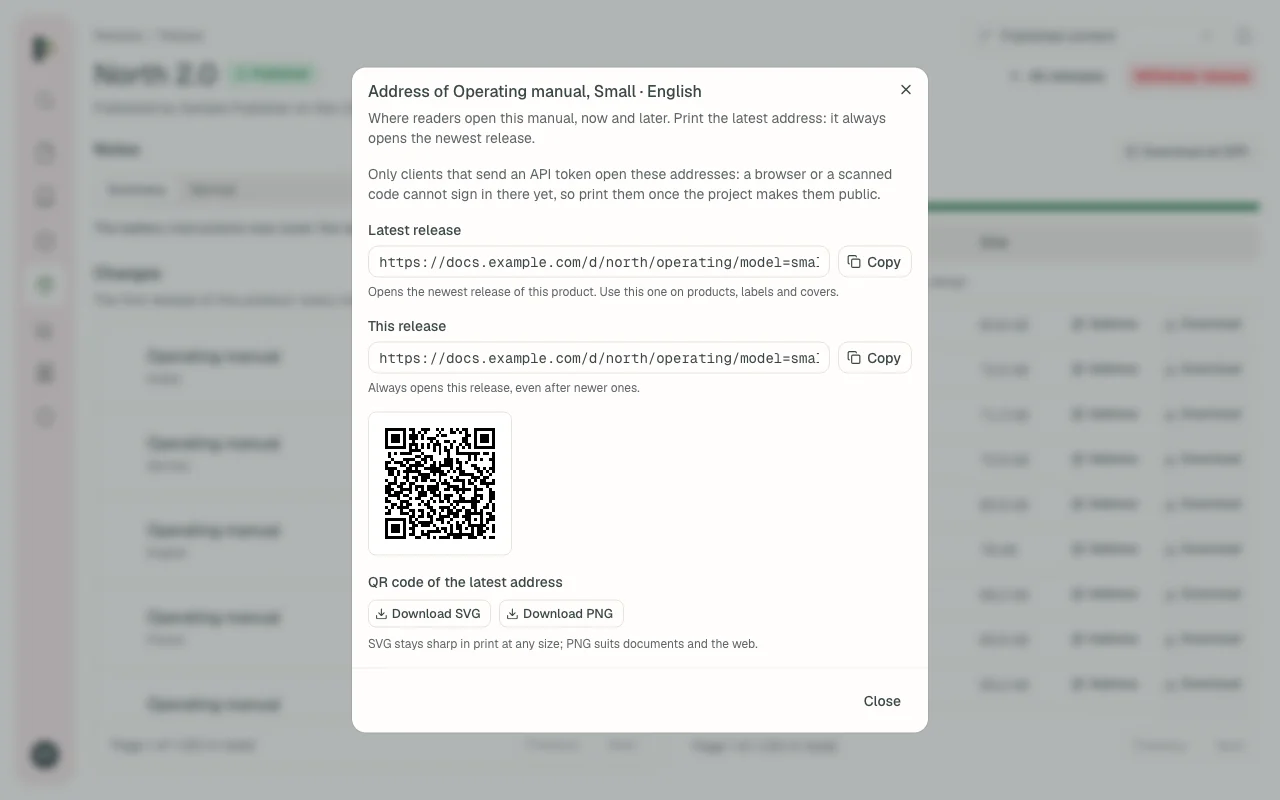
On the manual's screen
The manual's screen lists its addresses too, under Stable addresses: one row per product and variant, in the language you chose. Choose Address in a row for the same dialog. A manual gets its addresses once a release holds it.
How the address is made
An address names the product, the manual, the variant and the language, for example
/d/north/operating/model=small/en. The address of one release adds its version:
…/en@2.0. It opens the manual as a web page; adding /pdf opens its PDF.
The newest release is the newest one of the published content that is not withdrawn. A release from a maintenance line never becomes the latest.
When the dialog has no full address
The server needs its public address to make full addresses and QR codes. Without it, the dialog shows the paths only and says so; ask your administrator to set it.
Who may open the addresses is a project setting: see Who opens the addresses.