

Release notes and changes
Write a summary per language when you cut a release, and read what changed since the previous one.
A release tells its readers what is new in two ways: the notes you write, and the list of changes it works out by itself.
Write the notes
The notes are the last step of New release (see Cut a release):
- On the Notes step, write a Summary: plain text for readers. It is optional.
- To give other languages their own text, choose Summaries per language and fill in Summary in German and the others. A language without its own shows the summary.
- Turn on Major change if readers of the manuals it changes should be notified.
- Choose Create release.
The notes cannot be changed after the release is created.
Read the notes
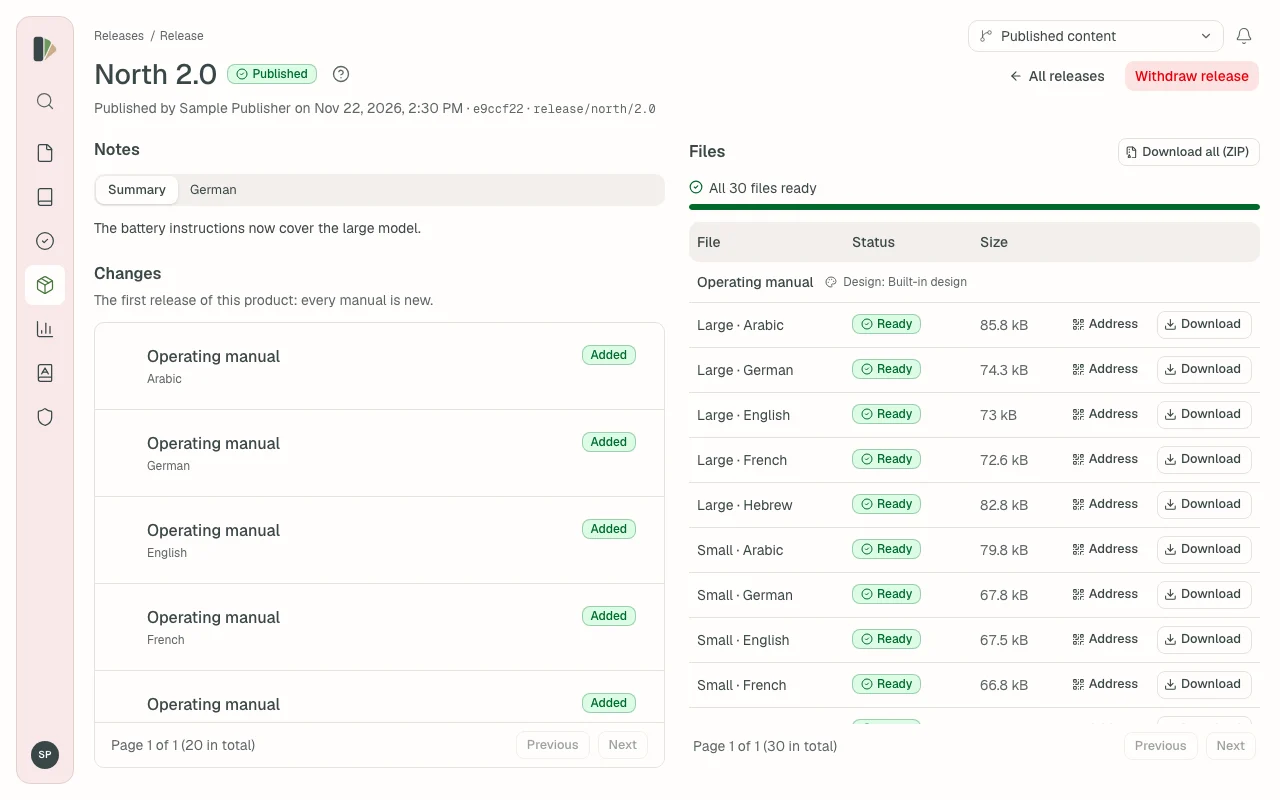
On the release's page, Notes opens on the summary in your interface language when the release has one, and on the summary otherwise. With summaries per language, choose another above the text: Summary, German and so on. Your choice is kept in the page's address, so a reload or a shared link opens on it. A release without notes says No notes were given.
The changes
Changes lists each manual and language that changed since the previous release of the same product, each marked Added, Changed or Removed. The line above names the previous release: Since 2.0, the previous release of this product. For a product's first release, every manual is new.
- Choose a manual's row to open it. It lists the modules that changed in that language.
- Choose a module to open it as released, in the preview at the release.
Only manuals you may read are listed. A withdrawn release is never "the previous one": the changes count from the release before it.