

Cut a release
The releases list, a release of your own for a product version, and its page.
A release is a fixed snapshot of the published content for one product version. It tags one commit of the published content and renders every manual into PDF files. A release can be withdrawn later, but never changed.
The releases list
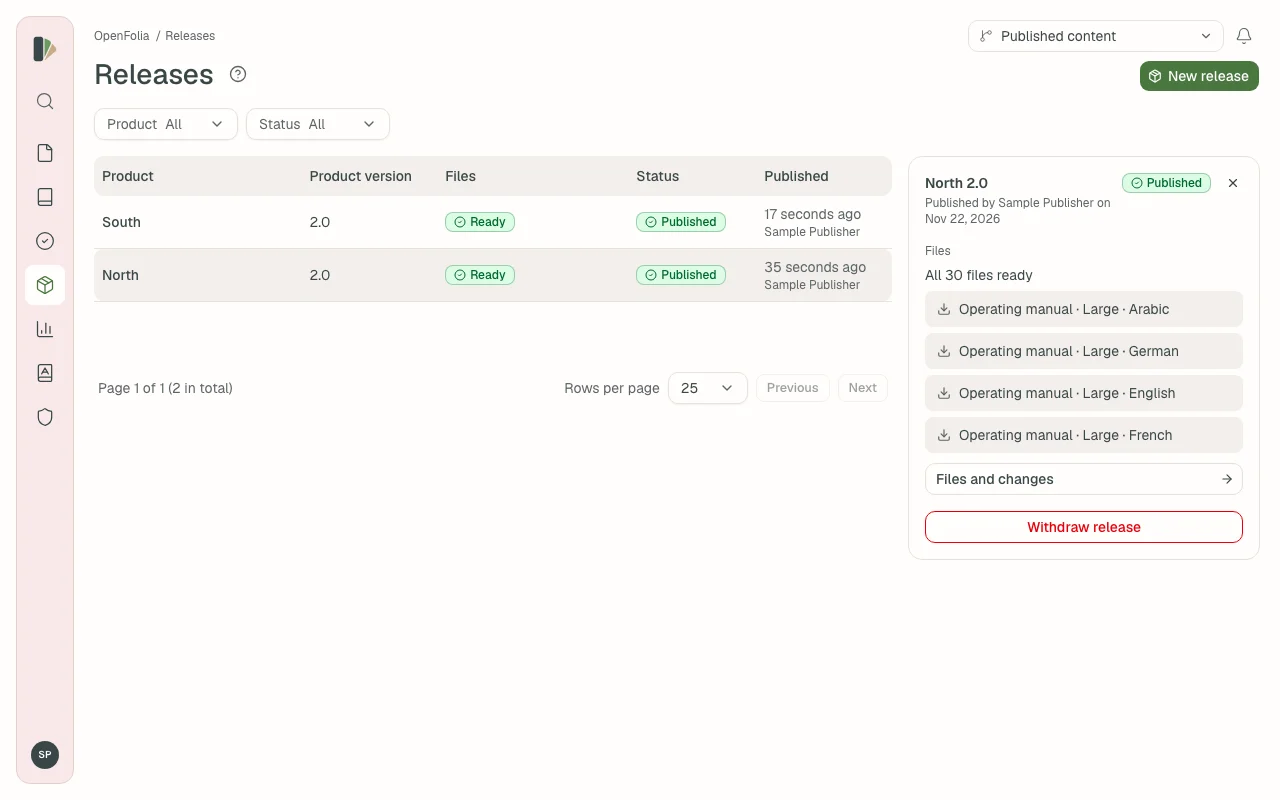
Choose Releases in the sidebar. The list shows every release, newest first, withdrawn ones too: its Product, its Product version, how far its Files are, its Status and who published it when. Narrow it with the Product and Status filters at the top.
Choose a row to see the release beside the list: who published it, its first files to download, Files and changes for its page, and Withdraw release.
Cut a release
You need a role that may publish. Then:
- Choose New release. The Create release dialog has four steps.
- Product and version: choose the Product and enter the Product version, for example
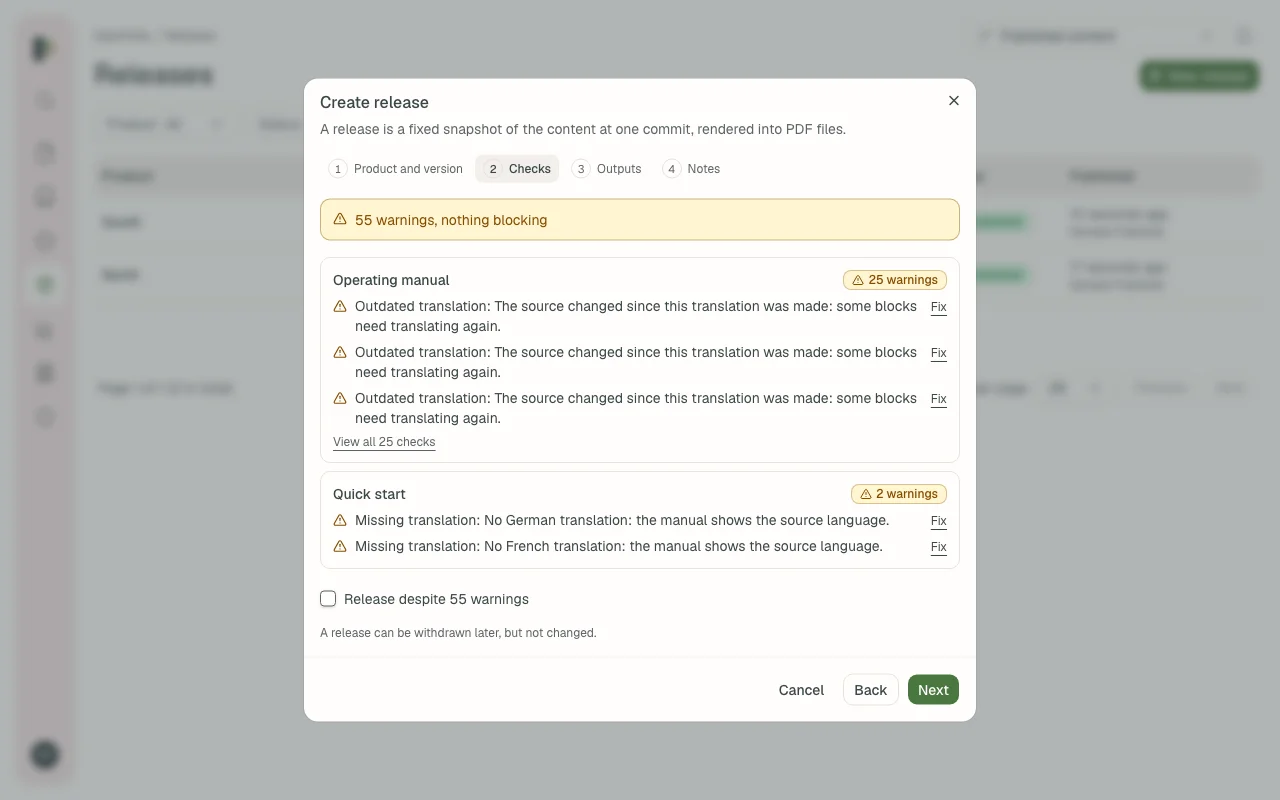
2.1. The dialog names the commit the release will tag. - Choose Next. Checks lists every manual's checks at that commit. Fix each blocking issue first: Fix opens the place. Warnings don't hold the release back, but you confirm them by ticking Release despite 55 warnings (with your count).
- Choose Next. Outputs lists the languages and manuals the release renders, and how each language's translations stand.
- Choose Next. Notes takes a Summary for readers and, if you like, summaries per language. Turn on Major change to notify the readers of the manuals it changes. See Release notes and changes.
- Choose Create release.
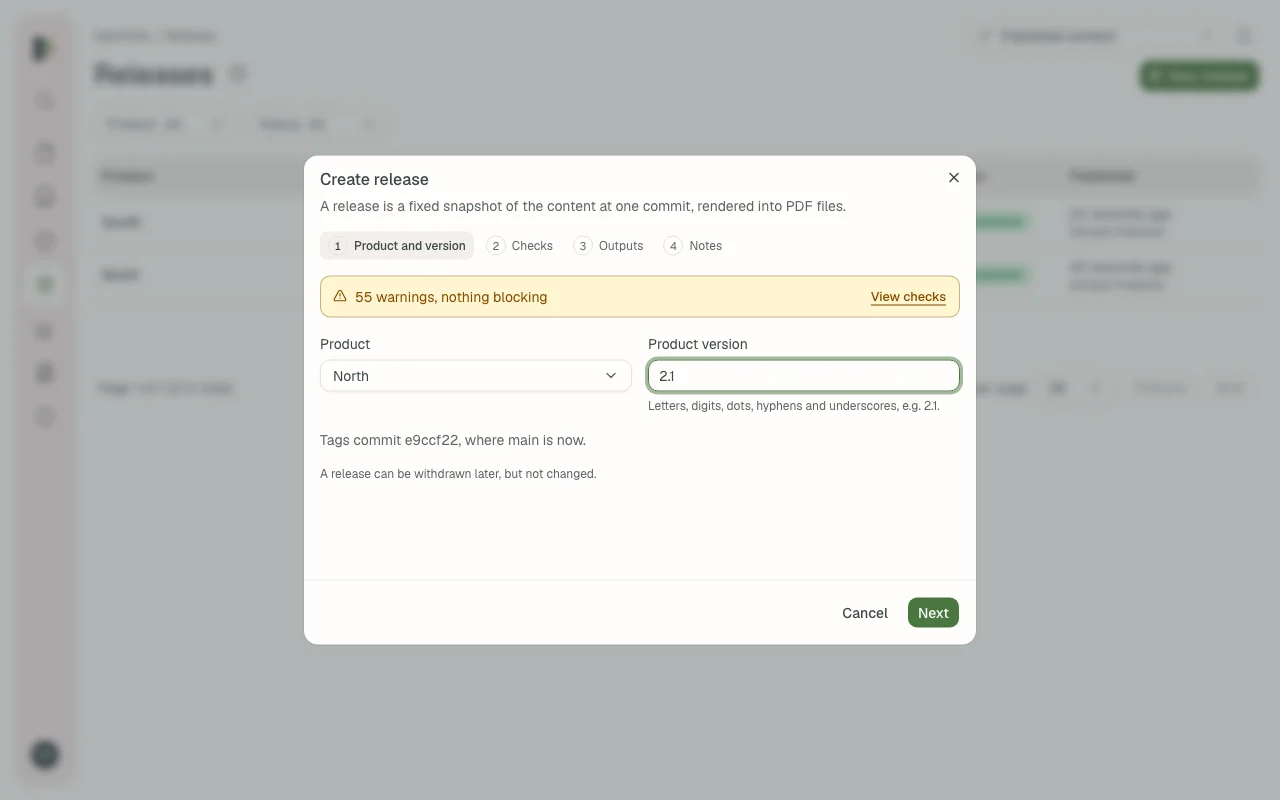
The banner above every step says how the checks stand, for example 55 warnings, nothing blocking. While a blocking issue is open, Create release stays disabled and says why.
A product version can be released once. A version that has a release already is refused in the dialog.
The release's page
Once created, the release's page opens: its name, Published, who cut it, its commit and its tag. It has three parts:
- Notes: the summary, per language. See Release notes and changes.
- Changes: what changed since the product's previous release.
- Files: every PDF, as it renders. See Release files.
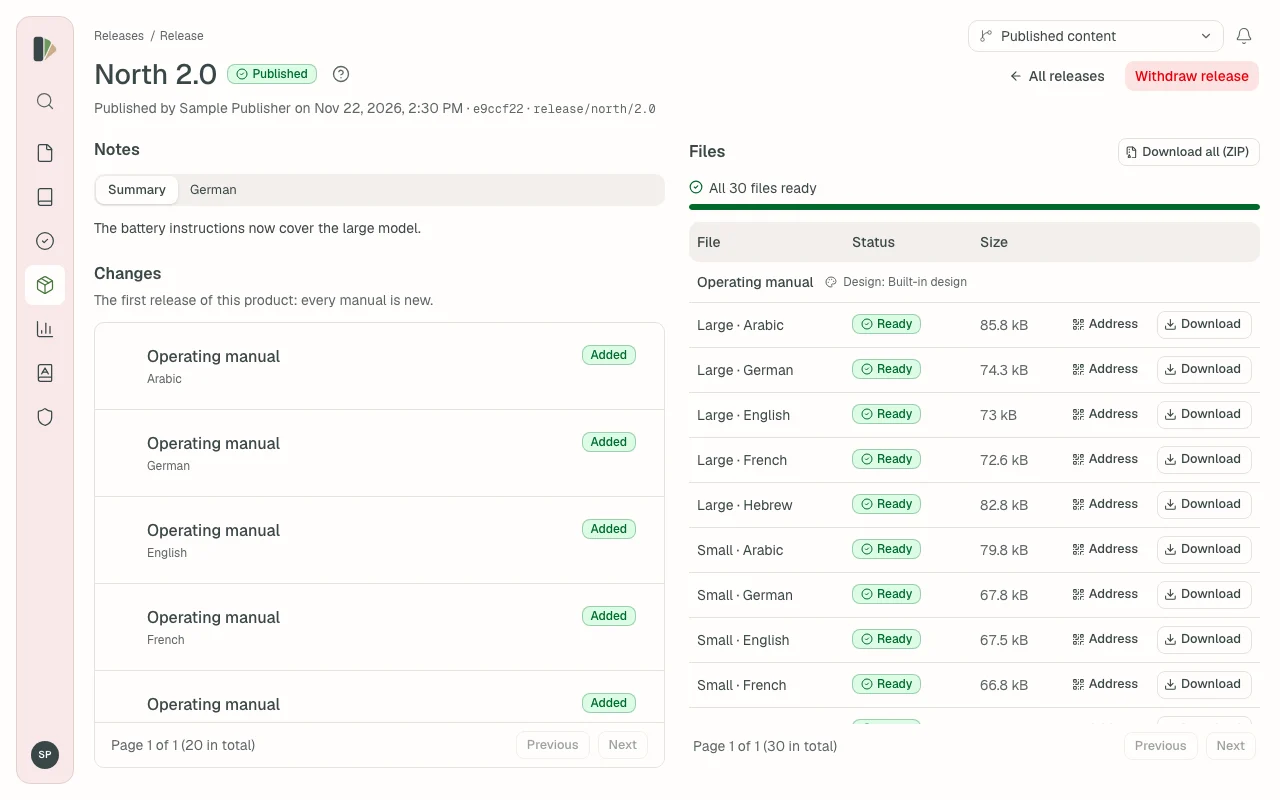
All releases goes back to the list.